Inside MINIESE · October 1, 2026
New — how-to guides for your MINIESE
Five short guides, from tapping the chip for the first time to hanging a Constellation. Each one shows you every step.
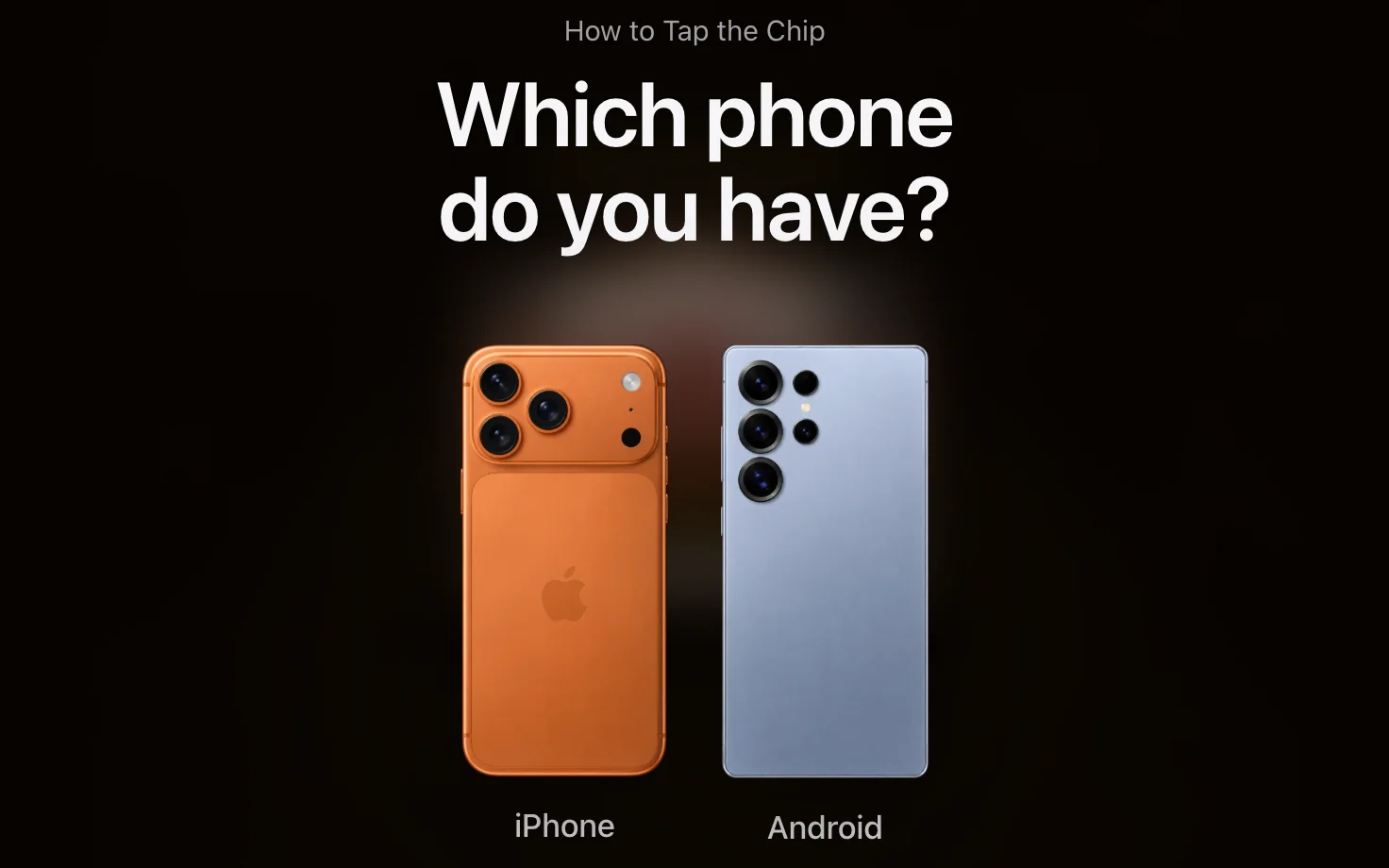
There is a new How to in the menu at the top of the shop. Each guide walks you through one thing, a step at a time, with the screens you will see along the way.
How to Tap the Chip. The first minute with a new print. Hold your phone to the chip on the frame, and the work begins to move. You walk through it in a 3D room, with the work on the wall and a phone in your hand.
How to Claim Your Artwork. After your first purchase: sign in, tap your new work, and claim it with the activation card from the box. Then share it with guests, or pass it on.
How to Unlock Stories. Scan your artwork, open the Story panel, and tap a locked story. Unlock it with a promo code or buy it, and it plays.
How to Send a Message. Write a few words for a friend and choose their font, colour and animation. Send the private link. When they scan the artwork, your words appear after its story.
How to Use a Constellation. Two artworks hung together come alive together, one reaching into the other. Unlock the pair, hang them as its diagram shows, and scan them with your phone held sideways.
More guides are on their way.