Inside MINIESE · September 28, 2026
A few words of your own, inside the gift
Giving a MINIESE artwork? Add a message. When your friend scans the work, its story plays, and then your words appear on it, in the font, colour and animation you chose.
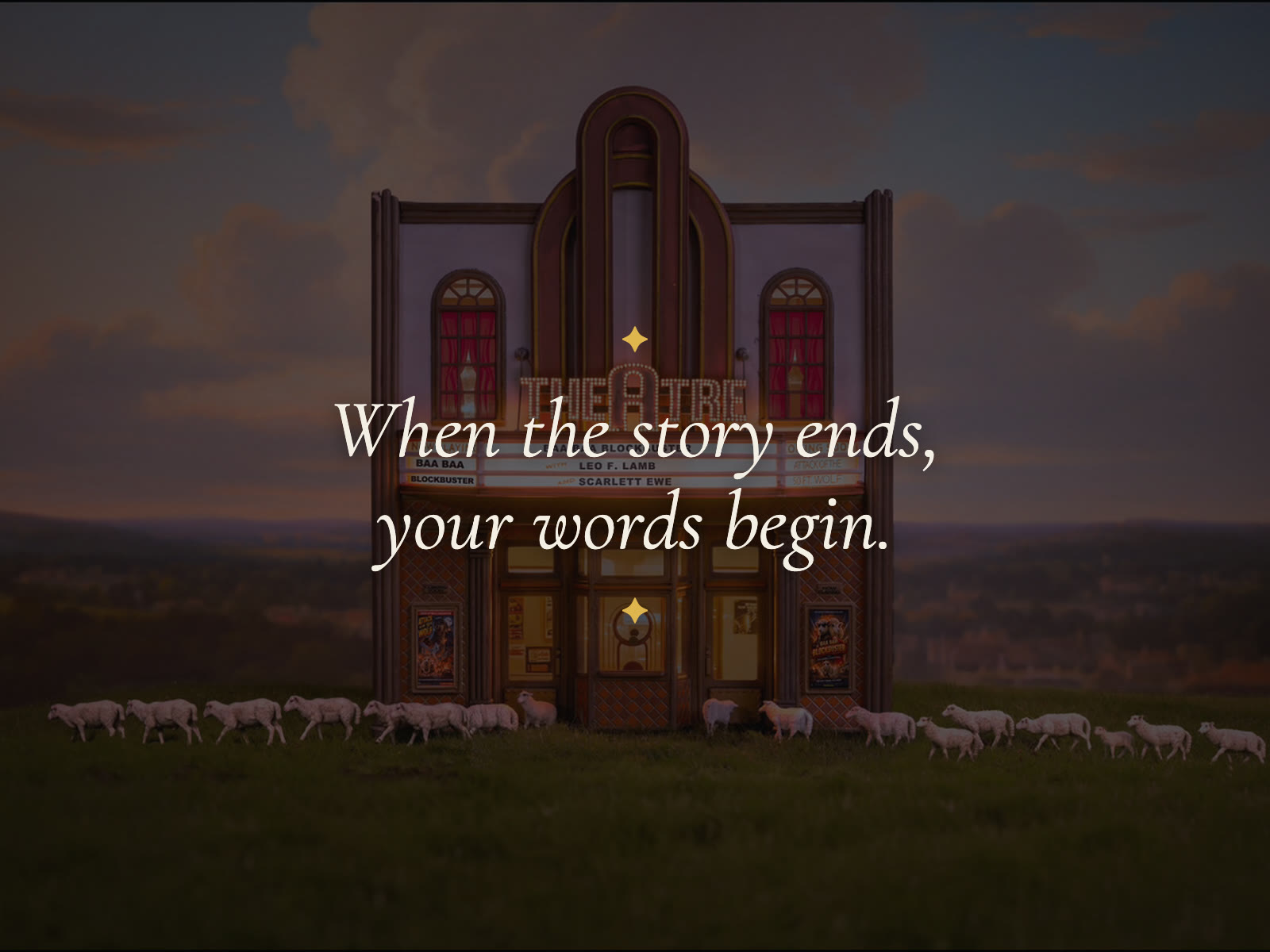
A gift that says something. When you give a MINIESE artwork, you can add a message of your own. Your friend points their phone at the work and its story plays. When the story ends, the work dims and your words appear on it.
Write it your way. Sign in at ar.miniese.com, tap Menu, then Message, and choose the artwork you are giving. Write a few lines, then choose a font, a colour and an animation. Tap Preview Effect to see it just as your friend will.
Send it privately. Copy the private link and send it, or its QR code. You can also print it on paper and tuck it in with the gift. Only that link shows your message. Anyone else who scans the work sees its story as usual.
Already standing in front of it? In the AR view, aim at an artwork and tap the Message button on the right. You can write a message for that artwork and share it from there.
How to Send a Message walks you through every step, with the screens you will see along the way.